 SignetAcademic
Stop playing
AI detective.
Signet gives your students a way to show their work — and gives you evidence instead of a probability score.
Signet documents how writing takes shape in Google Docs — including declared AI use — without reading the paper. The student holds the record. You decide what the evidence means.
Student? Install Signet Academic →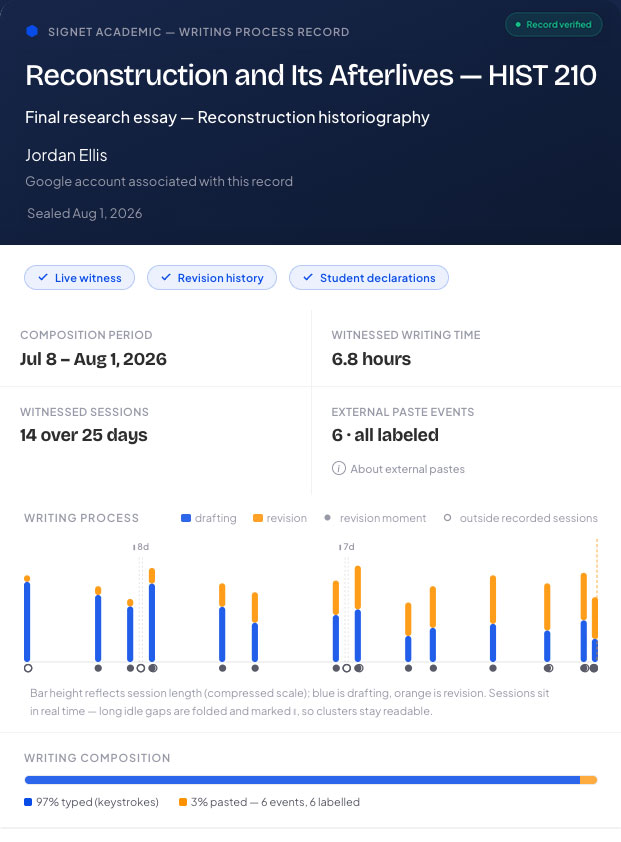
Three kinds of evidence.
One verifiable record.
What Signet directly observed while the student worked.
Sessions, timing, drafting and revision activity, typed versus pasted.
What Google Docs history independently shows.
Revision history corroborates how the document developed and can account for work done outside a witnessed session.
Missed the extension? Rewind can create a clearly labeled Reconstructed record from Google Docs history.
What only the student can explain.
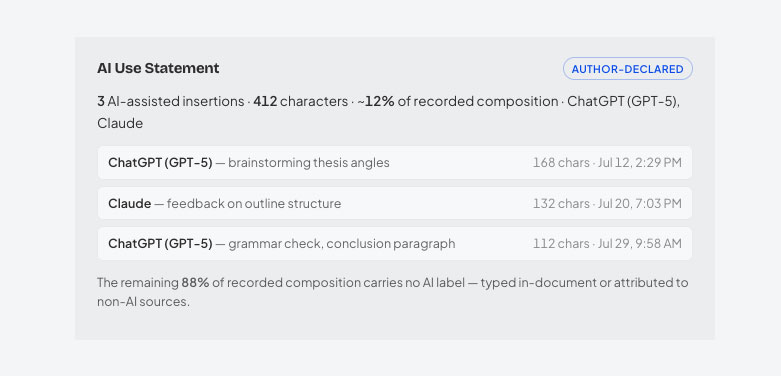
Sources, AI tools, purpose of use, and the student’s own AI Use Statement.
No score. No flag. No verdict. Signet keeps measured evidence and student declarations distinct — the judgment stays with you.
AI use is cited and disclosed, not suspected.
When students use AI-assisted material, they can label the tool and purpose as they work. Signet carries those declarations into the Writing Record alongside the process evidence.
One line in your syllabus.
That’s the whole lift.
Students install the free Chrome extension and write in Google Docs as usual. When they’re done, they submit a Writing Record with the paper. You open or verify it in any browser — no instructor software or account required.
Written assignments in this course should be submitted with a Signet Writing Record. Signet Academic is a free Chrome extension for Google Docs that documents how your writing process develops without reading your paper. If you use AI or other outside material, label it as you work. Install Signet before you begin drafting at getsignet.app/academic/students and submit your Writing Record PDF with your paper.
Verify the record, or the submitted paper.
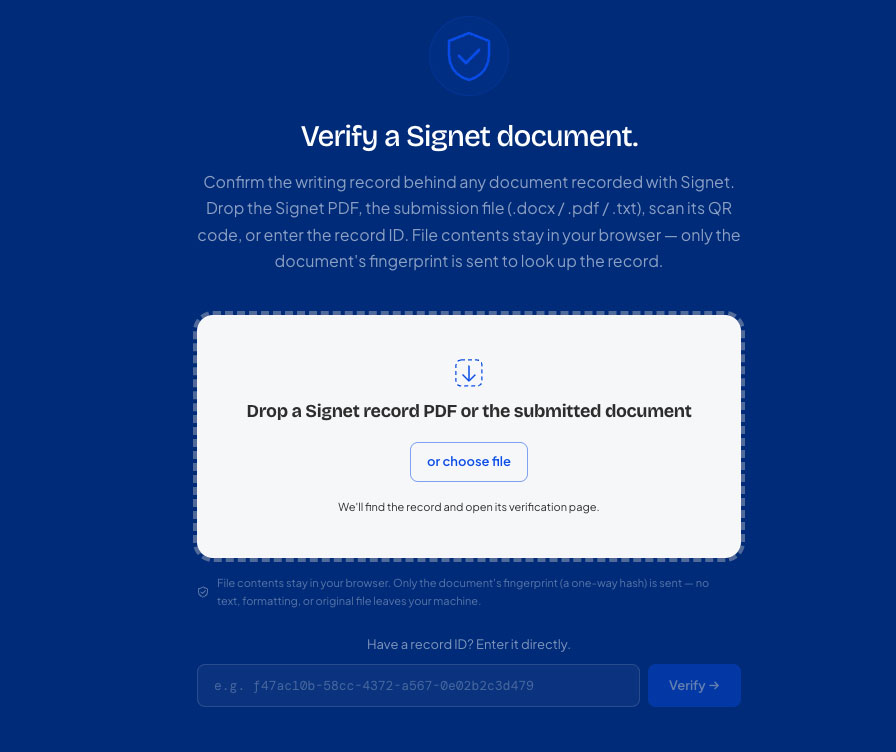
Scan the QR code or drop a Signet Record into the verifier. You can also drop the submitted .docx to confirm it matches the document that was sealed with the record. No account. No upload. Verification happens in the browser.
Built for evidence, not enforcement.
Ownership stays with the author.
Signet does not need a copy of the paper to document the process.
The student holds the record.
It is portable, shareable, and not trapped inside an institutional account.
No AI judgment.
No authenticity score, classification or automated verdict.
Verification doesn’t require trust in Signet.
Anyone can verify a record without creating an account.
The product is evolving.
The record is permanent.
Signet Academic is in open beta. Instructors and students using it this semester are shaping the roadmap, while records issued today remain permanently verifiable.
Free for students — always.
Extension, Writing Records, AI disclosure and Rewind.
Free pilots.
For instructors, writing programs and teaching centers.
Founding Partners.
Institutions that want dashboards, LMS integration and direct influence on the roadmap can help fund what gets built next.
Try Signet on one assignment this fall.
You don’t need an institutional rollout to test the idea. We’ll help you introduce Signet in one course or assignment and get your students running.
Writing program, center or institution? Tell us what you’d want Signet to do next. Email us →